

Black Friday is November 27. Cyber Monday is November 30. If you sell a WordPress plugin, theme, hosting plan or service, WordPress Black Friday deals roundups are one of the cheapest ways to reach buyers. Each one has its own form, its own rules and its own deadline.
This post shows you which is which, so you can decide where to spend your time.
Why submit to WordPress BFCM deal roundups
Shoppers compare before they buy. A roundup gives them one page to scan instead of twenty vendor sites.
Adobe reported that US shoppers spent $11.8 billion online on Black Friday 2025. That number covers all ecommerce, but it shows how much buying lands in a few days.
Crowded pages are the catch. XplodedThemes listed 93 deals on its roundup. A clear offer and a direct link help yours get clicked. A vague listing gets scrolled past.
WordPress Black Friday Deals: What to prepare before you submit
Every form asks for about the same details. Gather them once and reuse them.
| Item | What to have ready |
| Product name and URL | The exact name buyers see on your site |
| Deal headline | For example, “40% off all annual plans” |
| Discount | The exact percentage or dollar amount |
| Coupon code | The code, or a note that the discount applies automatically |
| Deal link | The page where the price changes, not your home page |
| Dates | Start date, end date and time zone |
| Logo | Square PNG, 400 to 512 px. LifterLMS caps files at 2 MB |
| Cover image | 1200 x 675 px. |
| Short description | Under 600 characters |
| Contact details | Name, email and company |
13 active plugin submission sites for your WordPress Black Friday deals
Costs and slots below are what each page showed on November 5. Where a page doesn’t state a fee, the table says so.
| Site | Cost | How you submit | Check first |
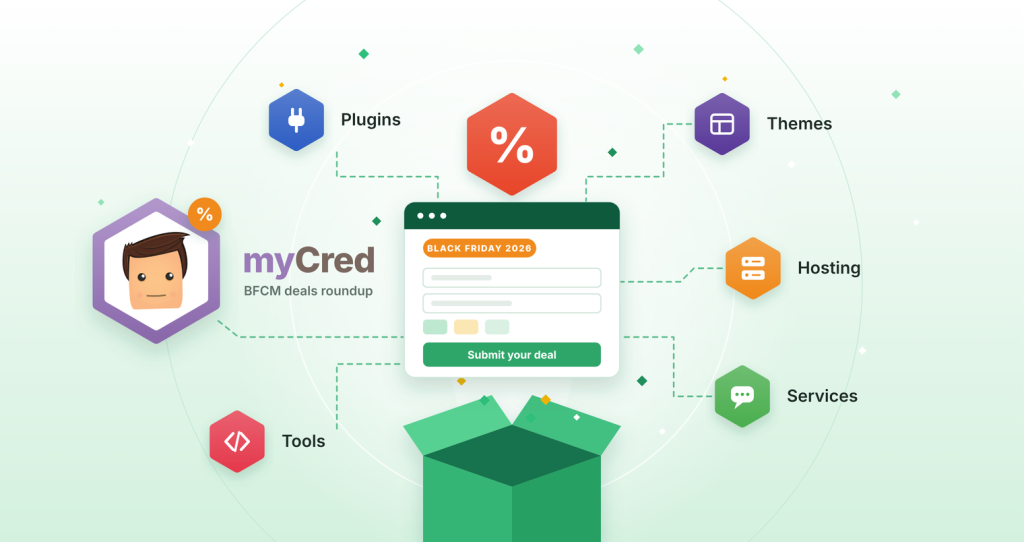
| myCred | Not stated | Form at the bottom of the roundup | List opens with sister products |
| XplodedThemes | Free | Own form with live preview | Reviewed before it goes live |
| The WP Weekly | Free listing, paid top slots | Own form | Published a few days before Black Friday |
| WP-Content.co | Free tier, paid tiers $100 to $300 | Own form | Pick your listing option on the form |
| InstaWP | Not stated | Google Form from the deals page | Page runs November 12 to December 4 |
| Infinite Uploads | Free | Own form | Asks you to mention them in your own roundup |
| WP Builds | Not stated | Form on the submit page | Sells sponsor spots separately |
| LifterLMS | Not stated | Own form | “For consideration,” so no guarantee |
| Create and Grow | Free | Contact page | Free-text request, not a structured form |
| HostWP.io | Not stated | Link inside their roundup post | Curated list |
| weMail (weDevs) | Not stated | Google Form | List is mostly weDevs products |
| BdThemes | Not stated | Hosted form | List is mostly BdThemes products |
| WPArena | $75 to $1,000, paid only | Own form plus payment | Main deals page looks out of date |
myCred

Cost: Not stated.
Accepts: Plugins, themes, hosting, LMS products, services and other WordPress products. The roundup groups listings into Plugins, Themes, Hostings, and Tools.
How it works: The form sits at the bottom of the roundup under “Fill Out Form to Submit Your BFCM 2026 Deal.” It asks for your name, email, company, product name, category, deal URL, discount percentage, coupon code, start and end dates, and a logo as a Google Drive link.
Every field is marked as required, including the coupon.
Good to know:
- The form also asks for the URL of your own Black Friday roundup page. That field is required too, so plan to have one before you submit.
- myCred is published by WPExperts. The list opens with products from the same family, such as Gravity Booking and New User Approve. Outside deals sit further down.
Submit: myCred BFCM 2026 deals page.
The WP Weekly
Cost: Free listing. Paid top slots were $2,000 for the top row (one available), $1,000 for the second row (three available) and $500 for rows three to five (five available).
Accepts: Plugins, themes, SaaS, digital products, courses, hosting and online services.
How it works: The form is short. It asks for your name, email, product name, URL, the discount in percent or dollars, a coupon (skip it if you have none), start and end dates, plus optional affiliate and notes fields.
Submission deals go live a few days before Black Friday. You can share a BFCM coupon code or a direct deal URL with the coupon built in.
WP-Content.co

Cost: Free in the main deals table. Paid tiers: Platinum (top four spots) $300, Gold (next four) $200 and Silver (last four) $100. Spots go first come, first served.
Accepts: AI tools, hosting, plugins, SaaS and tools, services, themes, and WooCommerce products.
How it works: The form asks for the deal URL, discount, coupon, dates, a category, and a square logo (512 x 512 px, PNG or JPG, 2 MB max). They review each deal before they list it. The page showed 43 deals on November 5.
InstaWP
Cost: Not stated on the page.
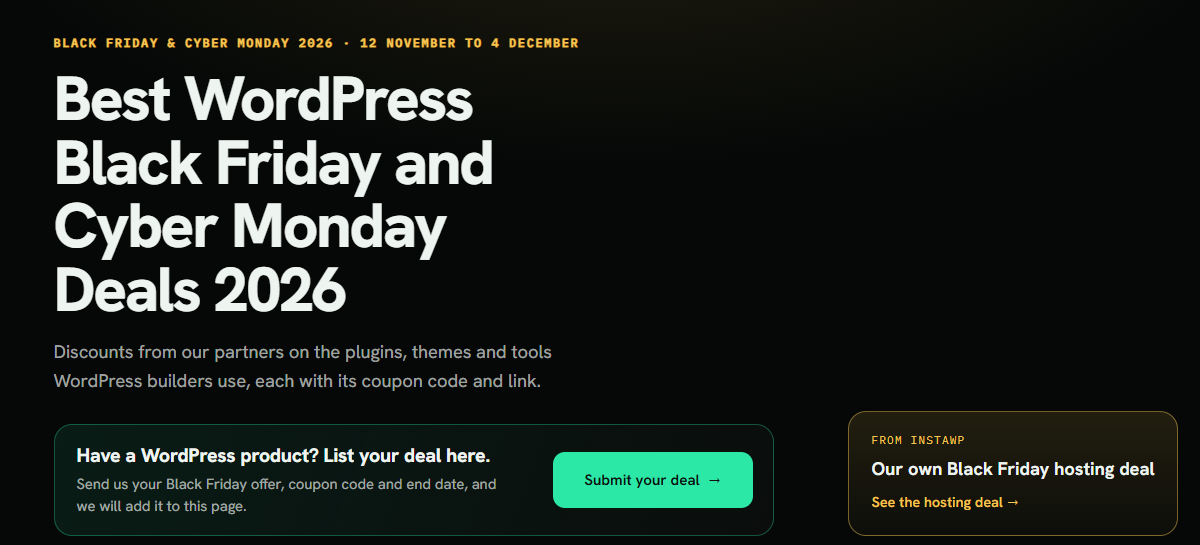
How it works: The deals page has a “List your deal here” section with a Submit your WordPress BFCM deal button. It opens a Google Form. You send your offer, coupon code and end date. Their page runs from November 12 to December 4 and showed 24 deals, mostly plugins.
Infinite Uploads
Cost: Free. WordPress products only.
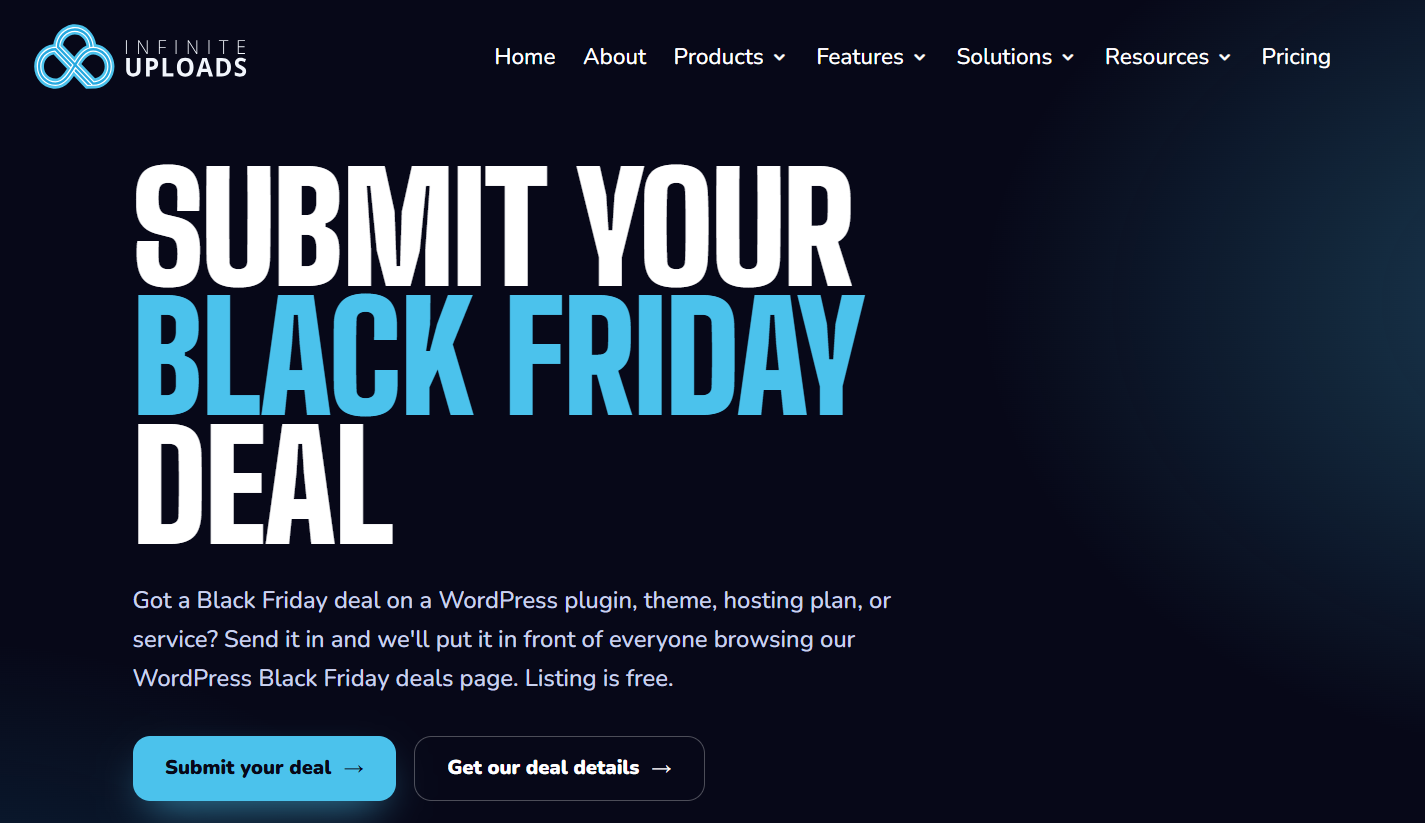
The one ask: Mention Infinite Uploads in your own Black Friday roundup post or page. They give you deal details to paste, and the form asks for your roundup URL (or the planned URL). It also has a checkbox for this promise.
How it works: They review each submission themselves. Approved deals go in the partner section of their deals page.
Good to know: If you don’t run a roundup of your own, this one may not fit.
WP Builds
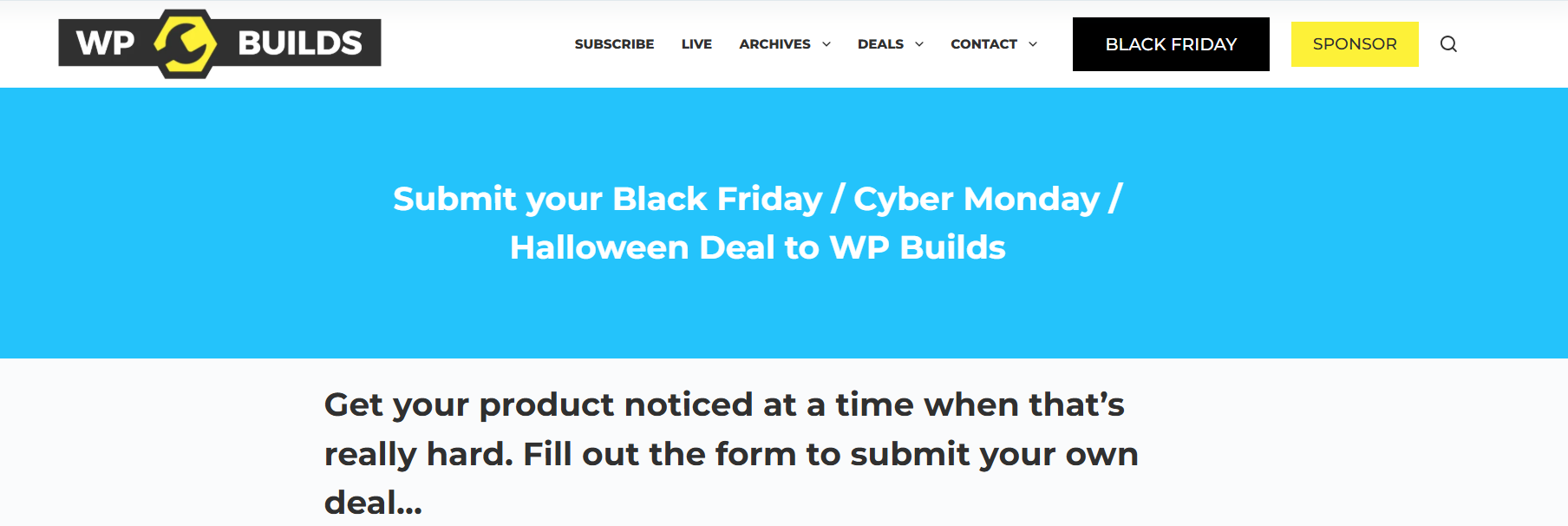
Cost: Not stated for a standard listing. Top-of-page sponsor tiers are sold separately.
How it works: WP Builds is a WordPress podcast network run by Nathan Wrigley. The submit page holds the form. The deals page has filters by category and discount, including a lifetime deal category.
Good to know: The page title also mentions Halloween deals, so an early offer fits too.
LifterLMS
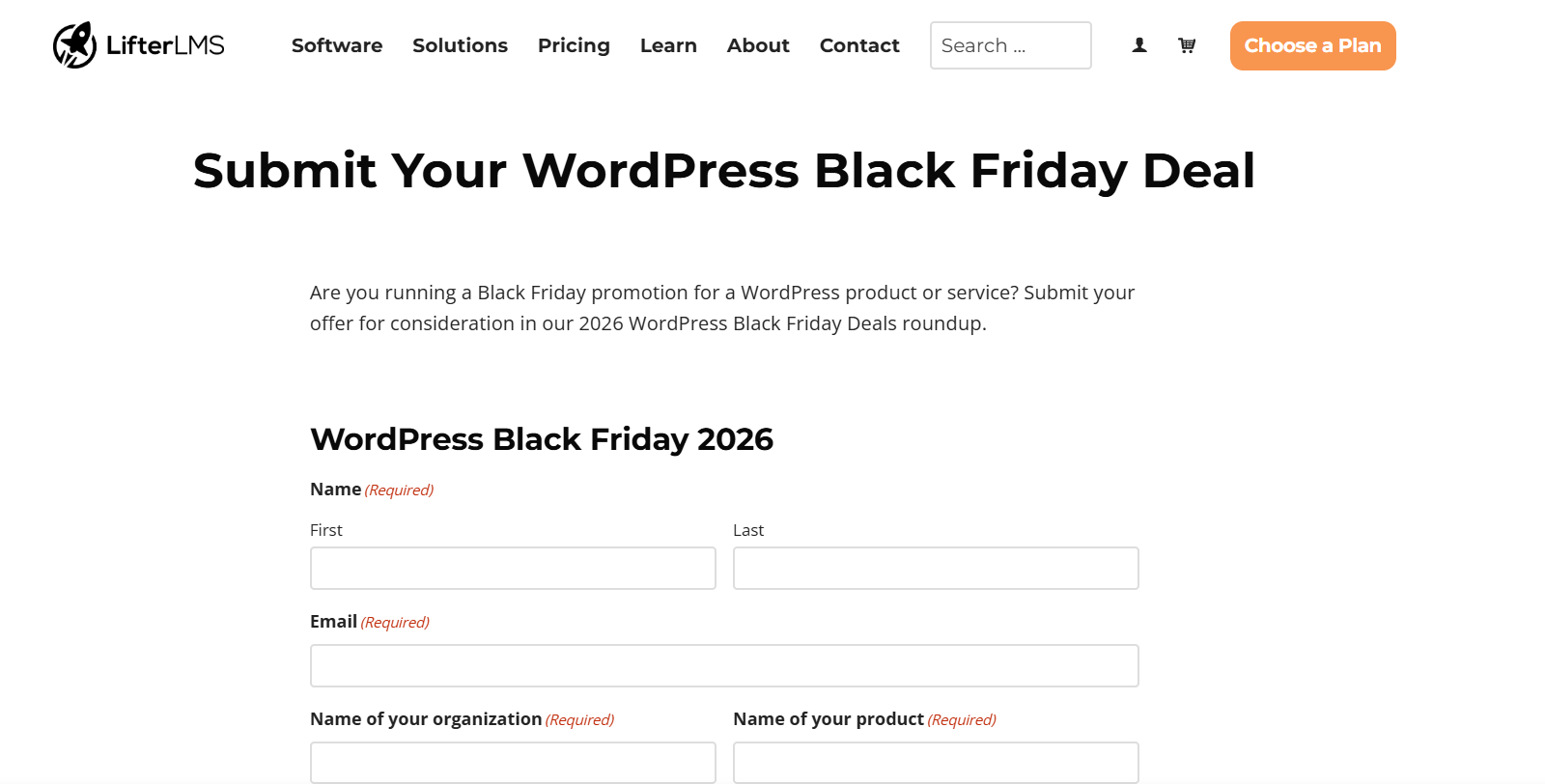
Cost: Not stated.
How it works: The form asks for your name, email, organization, product name, a short deal description, a category, the discount percentage, whether the coupon applies automatically, the coupon or redemption steps, start and end dates, a pricing page link and a square logo up to 2 MB.
Categories are specific: page builder, forms, SEO, security, backups, analytics, ecommerce, membership, LMS, booking, translation, affiliate, social media and email marketing.
Good to know: They ask for offers “for consideration.” Not every product will get in.
Create and Grow
Cost: Free. They say vendors don’t pay to be listed and that the page has no affiliate links.
How it works: Send the product name, offer, dates and a link through their contact page. They check it and add it. Their page lists 30 products with last year’s offers and adds 2026 offers once a vendor confirms.
Good to know: This is a contact form, so write the offer out clearly. Their entries also note the regular price and renewal terms, so check that your pricing page is accurate.
HostWP.io
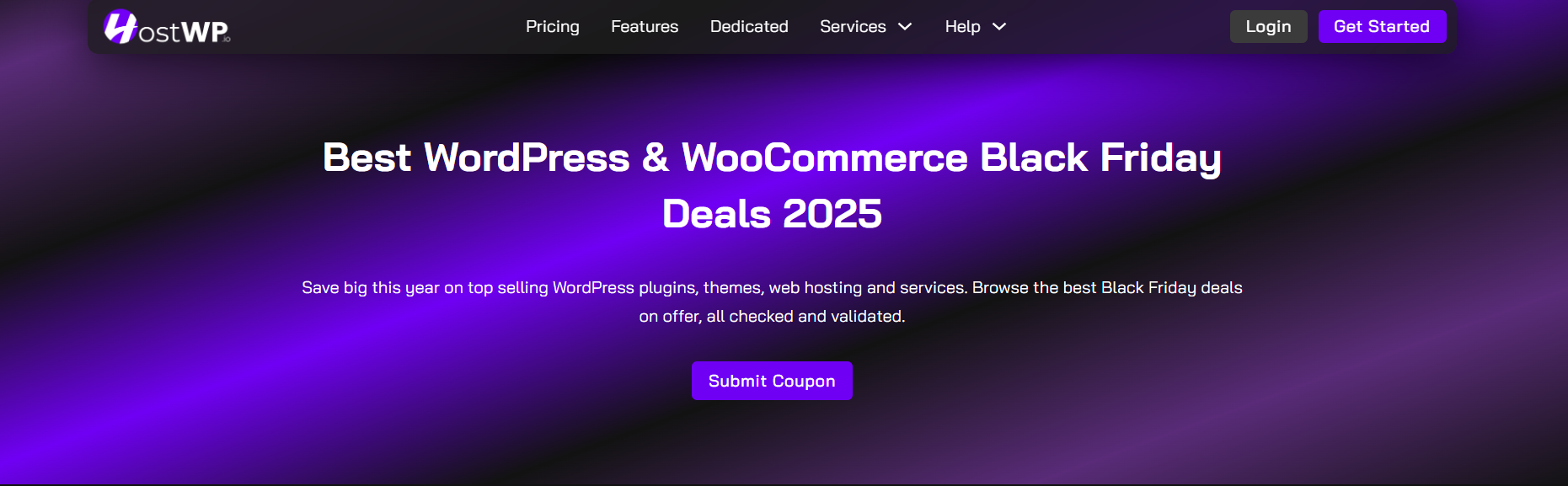
Cost: Not stated.
How it works: Their roundup post ends with a “Want to feature your product?” section for WordPress developers and agencies. The link takes you to the submit section of their deals page. They describe the list as verified and hand-tested.
Good to know: The post leads with HostWP.io’s own hosting deal, so expect a curated list.
weMail (weDevs)
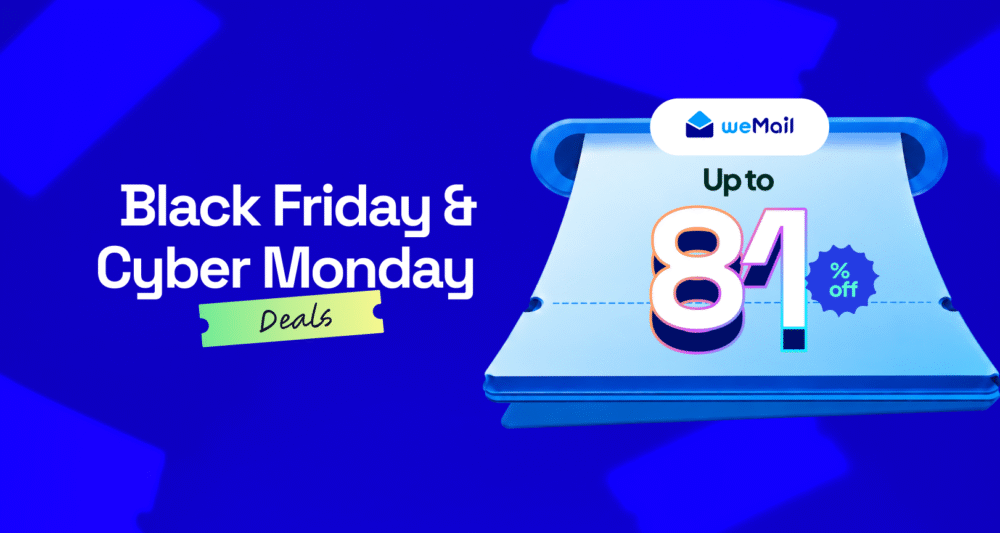
Cost: Not stated.
How it works: Their 2026 roundup has a “Submit Your Deal Here” link to a Google Form. They say they will review it for the list.
Good to know: The list is mostly weDevs products, such as Dokan, WP ERP and weMail, with deals running November 5 to December 5. Submit if you have a spare minute, but don’t count on a spot.
BdThemes
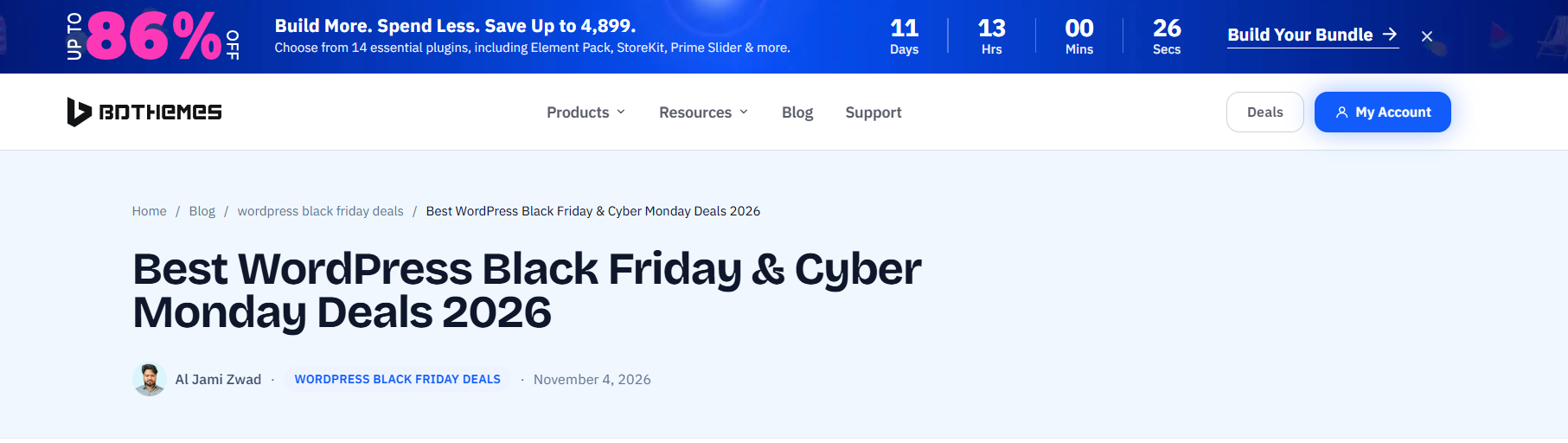
Cost: Not stated.
How it works: A “Submit Your Black Friday Deal” button on their roundup opens a hosted form.
Good to know: The roundup lists 16 products. Most are BdThemes plugins, plus a couple from partner brands. Treat this as a bonus submission.
WPArena
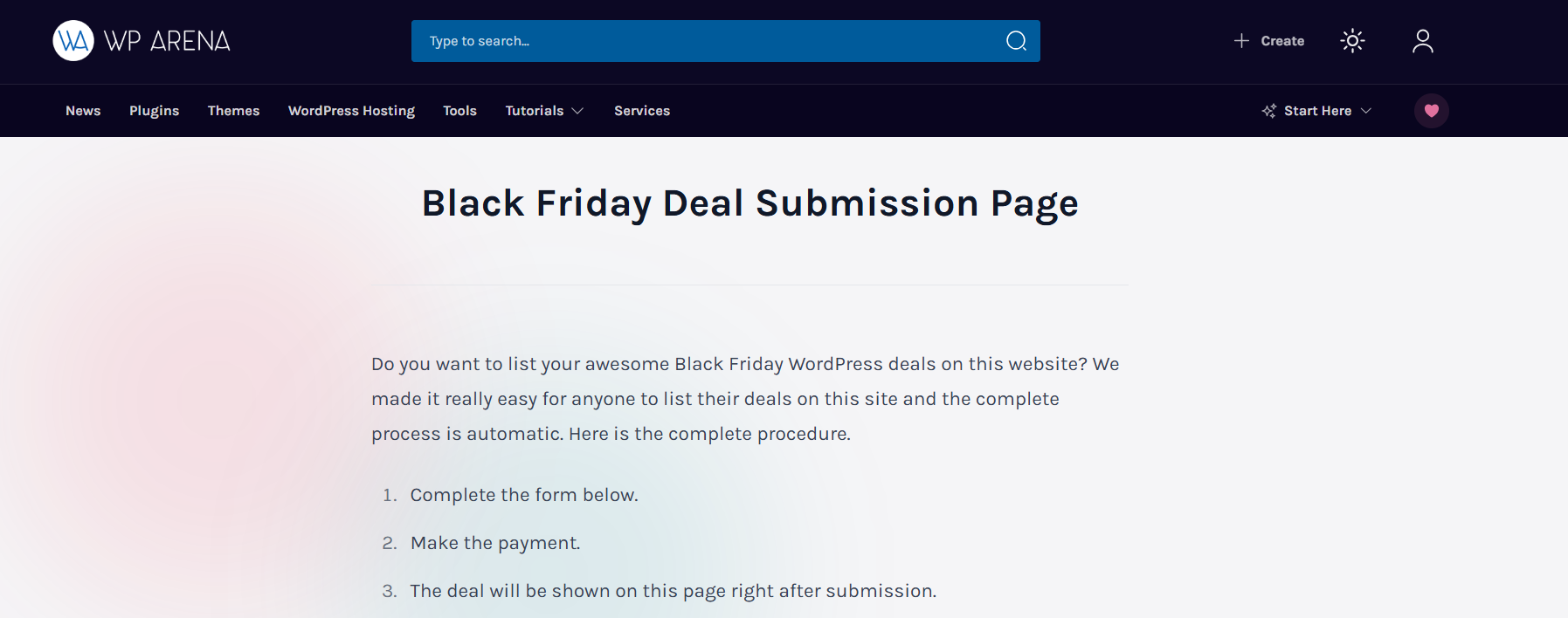
Cost: Paid only. A simple deal is $75, a featured deal is $250 and a premium deal with a review is $1,000. Those prices were limited-time rates until November 24. You pay by PayPal or card, and each deal stays live for one year.
Accepts: Themes, plugins, hosting, tools and services.
How it works: The form asks for your company name, the offer, a deal URL, an image, a company description, dates, a “what’s hot” line of four to five words and a coupon code.
Good to know: WPArena’s main deals page says it holds historical Black Friday coverage from 2020 and is not a current price list. Look at that page, and ask about traffic, before you pay.
XplodedThemes
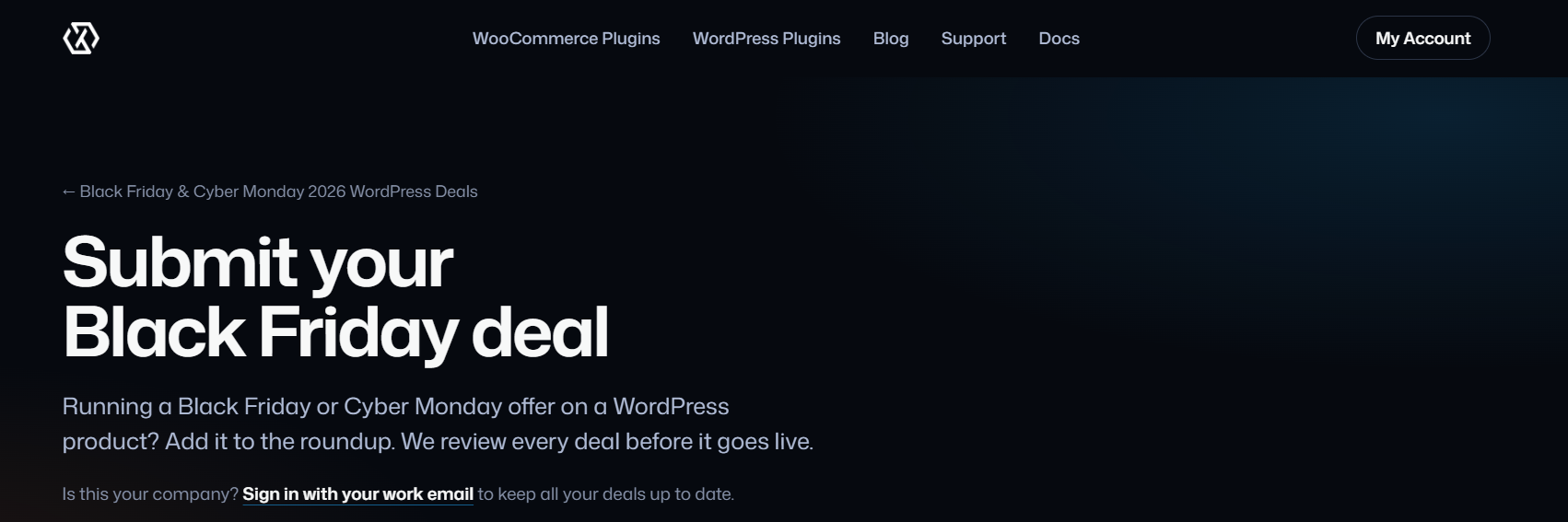
Cost: Free.
Accepts: Plugins, themes, hosting and services.
How it works: You don’t need an account. A four-step form shows a live preview of your deal ticket as you type. The team checks every deal before it goes live, so it won’t appear the moment you hit send. After that, you can sign in with an emailed link and edit your listings yourself.
Good to know: Their 2024 page ended up with 93 deals, and it’s still archived. You can open it to see what a finished list looks like.
WordPress Black Friday Deals Bonus
WS Form keeps a page that links to more than 40 other WordPress deal lists. Many have an “Add a deal” link next to them.
Names include The Admin Bar, Post Status, WP Mayor, Termageddon, Astra, BookingPress, MainWP, Rank Math, WPLift and WPExplorer.
Some entries still point to 2025 pages. Open each link and check that the form is current before you submit.
Where to start WordPress Black Friday deals submission this week
| Priority | Sites | Why |
| Do first | XplodedThemes, The WP Weekly, WP-Content.co (free tier), InstaWP | Free or no fee stated, and the 2026 pages are live |
| Do next | Infinite Uploads, WP Builds, LifterLMS, Create and Grow, HostWP.io | Free or no fee stated, with a little more work or one condition |
| If you have time | weMail, BdThemes | Lists are mostly the host brand’s own products |
| Pay only after checking | WPArena, paid tiers on WP-Content.co, sponsor slots on The WP Weekly | Fees run from $75 to $2,000 |
Before you pay for a slot, work out how many sales it needs to bring in to cover the fee. If that number looks hard to hit, skip it.
Tips to get your BFCM deals approved for WordPress
- Link to the page where the price changes. Visitors who can’t find the offer in a few seconds leave.
- Make the code match the offer. If the listing says 40% off, the code should give 40% off on the linked page.
- Name the product or plan. “40% off all Pro plans” tells a shopper more than “Spring sale.”
- Use a square logo. A wide wordmark shrinks to nothing in a small box.
- Keep the dates honest. If the offer runs past Cyber Monday, say so.
- Submit Black Friday deals early. Several of these sites review by hand, and a listing won’t appear the moment you send it.
- Track each submission in a sheet: site, date sent, status and whether the link is live.
BFCM Deals submission checklist
- Product name, URL and contact details ready
- Deal headline, discount and coupon code written out
- Direct deal link tested
- Start date, end date and time zone confirmed
- Square logo and optional cover image exported
- Short description under 600 characters
- Free sites submitted first
- Tracking sheet started
Final Word on WordPress Black Friday Deals
Pick the free sites, submit this week and keep one record of what you sent. The sale window is short, and Black Friday won’t move. Forms change from year to year, so open each link and read the current form before you fill it in.

