

AI isn’t some futuristic tool anymore. It’s baked into how websites are built, optimized, and managed today. If you’re running WordPress, you’ve probably noticed the wave of AI WordPress plugins promising everything from better SEO to smarter content and even automated customer support.
The catch? Not all of them are worth your time. Some are game changers that can boost traffic, save hours of work, and make your site smarter. Others are just flashy addons with little real value.
Most lists of best AI WordPress plugins read like feature dumps. What’s missing is a clear look at how these tools actually fit together.
In this blog, we’ll walk you through the top AI WordPress plugins in 2025, explain what they do well, and show you how to combine them into a stack that makes sense for your site. Whether you run a blog, an online store, or a business site, these tools can help you build smarter, faster, and sharper in the year ahead.
Quick Comparison: Best AI WordPress Plugins in 2025
| Plugin | Best For | Key Features | Pricing | Ratings |
| Rank Math SEO | SEO optimization | AI meta descriptions, keyword suggestions, schema markup, analytics integration | Free / Pro from $5.75/mo | •WP.org: 4.9/5 • G2: 4.8/5 • Capterra: 4.5/5 |
| GetGenie | Content + SEO | AI writing, keyword research, content scoring, AI images, chatbot | Free / Pro from $19/mo | • WP.org: 4.9/5 • G2: 4.8/5 • Capterra: 4.5/5 |
| AI Bud | All-in-one AI | Content gen, chatbot, image gen, fine-tuning, multi-language | Free / Paid from $15/mo | • WP.org: 4.5/5 |
| AI Engine (Meow Apps) | Custom AI workflows | Chatbots, forms, content, images, automation, API access | Free / Paid from $29/mo | • WP.org: 4.9/5 |
| AIP (AI Power) | Privacy + control | Chat, content, images, WooCommerce AI, automation | Free / Paid (custom) | • WP.org: 4.7/5 |
| DiagnoSEO | SEO site audits | AI-powered SEO analysis, keyword insights, schema, analytics | Free / Paid from $15/mo | • WP.org: 5.0/5 |
| Yoast SEO | Beginner-friendly SEO | AI titles & meta, readability checks, schema, internal linking | Free / Pro $99/yr | • WP.org: 4.8/5 • G2: 4.6/5 • Capterra: 4.7/5 |
| Quttera Web Malware Scanner | Security | AI malware scans, blacklist detection, cloud-based analysis | Free / Paid from $10/mo | WP.org: 4.6/5 |
| Uncanny Automator | Automation | Connects 150+ plugins/apps, AI workflows, no-code automation | Free / Pro $149/yr | • WP.org: 4.9/5 • G2: 4.8/5 • Capterra: 4.7/5 |
| WebsiteVoice | Accessibility + reach | AI text-to-speech, multiple voices, languages, embeddable player | Free / Paid from $9/mo | • WP.org: 4.7/5 • G2: 4.6/5 • Capterra: 4.6/5 |
What Are AI WordPress Plugins and Why They Matter
Think of AI plugins for WordPress as addons that bring machine intelligence into your site. Instead of doing everything by hand, these tools can write content, suggest keywords, scan for malware, automate workflows, or even read your blog posts out loud.
The difference between regular plugins and AI plugins for WordPress comes down to learning. Traditional plugins follow strict rules. WordPress AI tools learn patterns from data, which means they can adapt, predict, and improve over time.
That’s why they’re not just tools but actual problem-solvers. Here’s what that looks like in practice:
- A WordPress SEO AI plugin that analyzes your post as you write and suggests better keywords.
- An AI content generation WordPress plugin that drafts a blog outline or product description in seconds. This may also help you rank on ChatGPT and AI overviews.
- A WordPress chatbot plugin that can answer customer questions without you lifting a finger.
- An AI image generation plugin for WordPress that creates unique visuals for posts without stock photos.
- An AI voice assistant WordPress plugin that turns articles into natural audio for accessibility.
That’s why these tools matter. They’re not just about convenience. They’re about scaling what you can do with WordPress. When used right, the best AI WordPress plugins don’t just save time. They make your site sharper, more engaging, and ready for what’s next.
How to Choose the Top AI WordPress Plugins
With so many WordPress AI tools out there, it’s easy to get caught up in features that sound impressive but don’t really move the needle. The key is to figure out what your site actually needs and pick plugins that fit those goals.
Here are the main things to look for:
1. Content and Writing Support
If publishing is a big part of your site, look for an AI writing assistant WordPress plugin or an AI content generation WordPress plugin. These help with blog outlines, product copy, and even social posts. The best ones also score your writing for SEO, so you’re not just creating words but creating content that ranks.
2. SEO Optimization
Search visibility still makes or breaks most sites. A solid WordPress SEO AI plugin should give keyword suggestions, schema markup, and real-time content analysis. This is where tools like Rank Math and Yoast stand out.
3. Automation
Sometimes the biggest win is removing repetitive tasks. WordPress AI automation tools can connect plugins, schedule content, send triggered emails, and streamline admin work so you spend less time on routine jobs.
4. Engagement and User Experience
Think beyond traffic. An AI chatbot plugin for WordPress can handle customer questions, while an AI voice assistant WordPress plugin makes your blog accessible to more people. Even an AI search plugin WordPress can help visitors find content faster.
5. Visuals and Media
Good design grabs attention. An AI image generation plugin for WordPress means you can create original images without relying on stock libraries. That keeps your site unique and fresh.
6. Privacy and Control
Not every AI plugin handles data the same way. Some give you full control over API keys and user privacy. If you’re running an eCommerce store, that’s not optional.
Pick based on these categories, and you’ll end up with a stack of top AI WordPress plugins that actually support your goals instead of bloating your dashboard.
10 Best AI WordPress Plugins to Watch Out for in 2025
AI WordPress tools are everywhere these days. But of course, not all of them live up to the promise. We’ve tried out the ones that actually do, those that help you write better content, boost SEO, automate tedious tasks, or even guard your site.
Dig in and you’ll see why each one earned its place.
1. Rank Math SEO
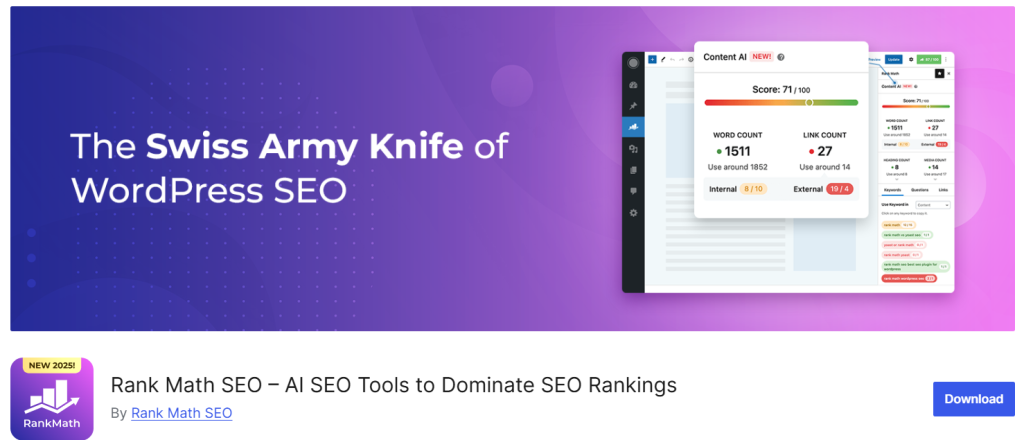
Rank Math has become one of the most popular AI WordPress plugins for SEO. It’s designed to make optimization easy, with built-in AI tools that suggest keywords, generate schema, and analyze your content as you write. For anyone serious about visibility, this is a top choice for AI WordPress plugin. You can use to and see the results by tracking AI traffic on GA4.
Top Features
- Content AI that suggests keywords, FAQs, and headings
- Automated schema markup for posts, products, and reviews
- Built-in SEO analyzer with real-time scoring
- Google Analytics and Search Console integration
- Advanced redirection manager
- XML sitemap generation
- Rich snippet previews inside WordPress
Pros
- AI suggestions make content optimization faster
- Beginner-friendly setup wizard
- Works well with WooCommerce and custom post types
- Lightweight compared to other SEO plugins
Cons
- Some advanced AI features require a Pro license
- Can feel overwhelming with so many options for beginners
Pricing
- Free plan available
- Pro: $79/year (for solopreneurs & bloggers)
- Business: $159/year (for agencies & businesses)
- Agency: $319/year (for larger setups)
Review Ratings
- WordPress.org: 4.9/5 from 7,269 reviews.
- G2: 4.8/5 from 109 reviews.
- Capterra: 4.5/5 from 52 reviews.
2. GetGenie
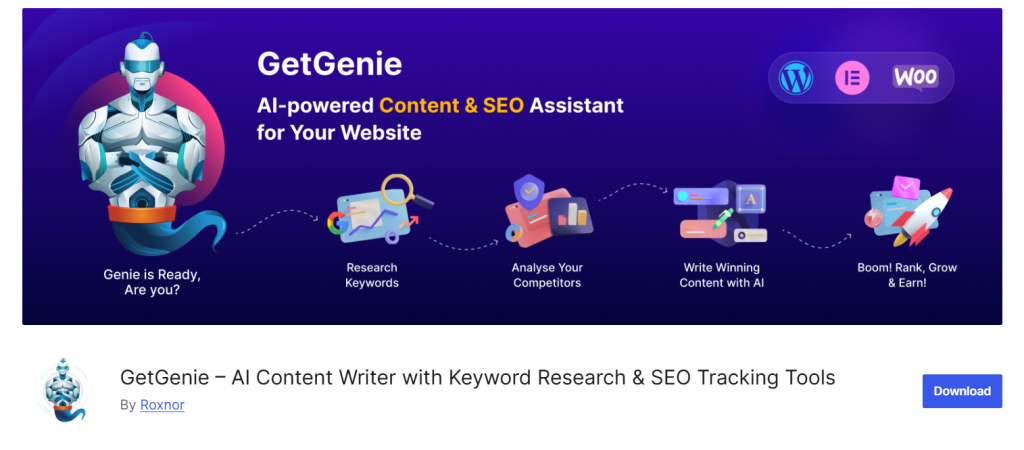
GetGenie is a rising star among AI plugins for WordPress. It combines AI writing, keyword research, SEO optimization, and image generation, all inside your WordPress dashboard. Think of it as your content team in one plugin.
Top Features
- AI content generation for blog posts, product descriptions, and landing pages
- SEO keyword research tool with competition insights
- Content score and optimization suggestions while writing
- AI image generator with customizable styles
- Built-in AI chatbot for customer interactions
- Ready-made templates for copywriting frameworks (AIDA, PAS, etc.)
- Multilingual support for global content needs
Pros
- One plugin covers both SEO and AI writing
- Content scoring helps you understand how well your post is optimized
- Saves time switching between tools like Surfer SEO, Jasper, and MidJourney
- Clean, beginner-friendly interface
Cons
- AI image quality is improving but not as sharp as standalone tools
- The free plan has limited credits, so power users will need Pro
- Chatbot features are still basic compared to dedicated solutions
Pricing
- Free version available with limited credits
- Starter Plan: $19/month (ideal for bloggers and freelancers)
- Writer Plan: $49/month (for content teams and agencies)
- Pro Plan: $99/month (best for businesses managing multiple sites)
Review Ratings
- WordPress.org: 4.9/5 from 111 reviews.
- G2: 4.8/5 from 17 reviews.
- Capterra: 4.5/5 from 2 reviews
3. AI Bud

AI Bud is a powerful AI WordPress plugin designed for creators, developers, and businesses who want an all-in-one solution. It packs in content generation, chatbots, image creation, and even model fine-tuning, making it one of the most versatile WordPress AI tools available.
Top Features
- AI content generator for posts, pages, and product descriptions
- AI chatbot integration for customer support and lead capture
- AI image generator with custom styling options
- Model fine-tuning for developers who want tailored AI responses
- Multi-language support for global websites
- Easy integration with Gutenberg and popular WordPress page builders
- Developer-friendly with API access for custom use cases
Pros
- Covers almost every use case: content, chatbots, and images in one plugin
- Fine-tuning support gives developers flexibility
- Works well for multilingual websites
- Strong option for agencies that manage different types of client projects
Cons
- Might feel overwhelming for beginners due to its wide feature set
- Requires API integration for advanced setups
- AI-generated images are resource-heavy and may slow down smaller sites
Pricing
- Free version available with limited features
- Premium plans start at $15/month
- Higher tiers depend on usage (content, images, and chatbot queries)
Review Ratings
- WordPress.org: 4.5/5 from 23 reviews.
- G2: no product listing specific to the “AI Bud” WordPress plugin.
- Capterra: no product listing specific to the plugin.
4. AI Engine

AI Engine is one of the most flexible AI plugins for WordPress, built to connect your site directly with top AI models. It goes beyond content creation by offering chatbots, image generation, forms, and automation, all inside your WordPress dashboard. For developers, it also opens up APIs for building custom AI-powered workflows.
Top Features
- AI content generator for posts, titles, meta descriptions, and more
- AI chatbot builder with full customization
- AI-powered forms for lead generation and support
- AI image generation with style and size options
- Automation tools to streamline repetitive tasks
- Developer-friendly API access for custom integrations
- Full control over tokens, prompts, and model settings
Pros
- Extremely flexible for both beginners and advanced users
- Offers more than just writing and SEO tools
- Great for agencies or businesses that want custom AI workflows
- Chatbots and forms help boost engagement on any type of site
Cons
- Can feel technical for non-developers when setting up advanced features
- Requires API key setup (like OpenAI) for most functions
- Free version is limited, especially if you want to use multiple features at once
Pricing
- Free version available with basic tools
- Premium plans start at $29/month
- Custom pricing for agencies or high-usage sites
Review Ratings
- WordPress.org: 4.9/5 from 746 reviews.
- G2: no listing.
- Capterra: no listing.
5. AIP (AI Power)

AIP (AI Power) packs a full AI toolkit into one plugin. It covers AI chat, content, images, automation, and WooCommerce features; all while letting you hold your own API keys and data control.
Top Features
- AI chatbots and content generation
- AI-powered image creation
- Workflow automation inside WordPress
- WooCommerce AI tools for product and sales support
- Full user control over API keys and data privacy
- Multi-purpose feature set bundled in one plugin
Pros
- Great for stores and businesses that care about control and privacy
- Covers writing, visuals, chat, and automation in a single plugin
- No need for multiple plugins or kludgy integrations
Cons
- Harder to find community reviews or ratings online
- Feature breadth may feel overwhelming for beginners
- Lacking widely visible pricing info—needs a closer look
Pricing
Pricing details aren’t easy to find via public sources. It offers a free version and premium options, but specifics likely require visiting their site or reaching out.
Review Ratings
- WordPress.org: 4.7/5 from 1,204 reviews.
- G2: no listing.
- Capterra: no listing.
6. DiagnoSEO
DiagnoSEO is a focused WordPress SEO AI plugin built to analyze and optimize websites for better rankings. Unlike broader AI WordPress tools that try to do everything, this one zeroes in on SEO performance and site health, making it a strong choice for site owners who care about technical and content optimization.
Top Features
- AI-powered site audits for SEO and performance
- Keyword analysis and optimization suggestions
- On-page SEO recommendations in real time
- Schema markup support to improve search visibility
- Analytics integration for data-driven decisions
- User-friendly dashboard designed for non-technical users
- Works alongside popular SEO plugins like Rank Math and Yoast
Pros
- Simple, SEO-focused AI plugin (no bloated extras)
- Real-time analysis helps catch issues before publishing
- Integrates easily with existing WordPress SEO setups
- Good option for site owners who aren’t SEO experts
Cons
- Doesn’t cover broader AI features like chat, images, or automation
- Limited advanced SEO features compared to Rank Math or Yoast
- Smaller user base, so community support is less active
Pricing
- Free version available with basic audits
- Premium starts around $15/month for advanced features
- Agency plans available at higher tiers
Review Ratings
- WordPress.org: 5.0/5 from 9 reviews on the plugin page.
- G2: no listing.
- Capterra: no listing.
7. Yoast SEO
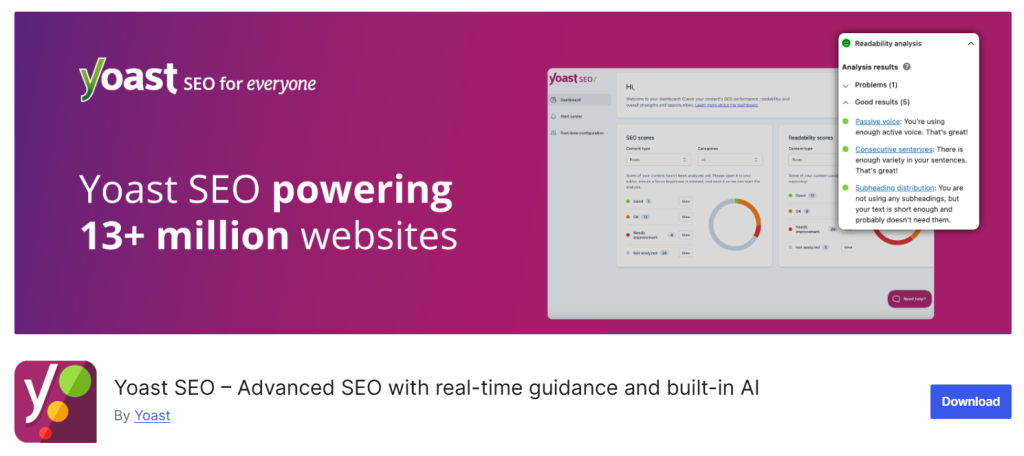
Yoast SEO is one of the most well-known SEO plugins for WordPress, and it has recently integrated AI features to make optimization faster and smarter. It helps with everything from keyword optimization to readability checks, making it a go-to tool for bloggers, businesses, and agencies.
Top Features
- AI-generated meta descriptions and SEO titles
- Real-time SEO analysis while you write
- Readability analysis to keep content clear and engaging
- Schema markup support for better search visibility
- Internal linking suggestions for improved site structure
- Social media previews for posts and pages
- Works with both Gutenberg and Classic Editor
Pros
- Widely trusted with millions of installations
- Beginner-friendly with step-by-step optimization guidance
- Constantly updated to stay aligned with Google’s changes
- Huge knowledge base and community support
Cons
- Free version is limited compared to premium
- Some advanced features (like multiple keywords) require Pro
- Can feel a bit heavy on larger sites with many plugins
Pricing
- Free version available with basic SEO tools
- Premium Plan: $99/year per site
- Bundles available for agencies and multi-site use
Review Ratings
- G2: 4.6/5
- Capterra: 4.7/5
- WordPress.org: 4.8/5 (over 27,000 reviews)
8. Quttera Web Malware Scanner

Quttera Web Malware Scanner isn’t your typical AI WordPress plugin for SEO or content. Instead, it uses AI-driven detection to scan your WordPress site for malware, backdoors, and other security threats. It’s built for site owners who want peace of mind and protection without needing deep technical expertise.
Top Features
- AI-powered malware detection and threat analysis
- Scans for backdoors, trojans, and suspicious code
- Detects if your site is blacklisted by Google or other authorities
- Cloud-based scanning for in-depth security checks
- Easy-to-read security reports with risk levels
- Works alongside other security plugins without conflicts
- Automatic updates to stay ahead of new threats
Pros
- Strong AI-driven threat detection that adapts to new risks
- User-friendly for non-technical site owners
- Helps protect site reputation by spotting blacklist issues early
- Complements traditional security plugins like Wordfence
Cons
- Focused on malware detection, not a full security suite
- Free version has limited scan depth
- No built-in firewall or brute-force protection (requires other tools)
Pricing
- Free version available with basic scanning
- Premium plans start at $10/month for deeper scans and support
- Enterprise packages available for larger websites and agencies
Review Ratings
- G2: Not available
- Capterra: Not listed
- WordPress.org: 4.6/5 (based on 100+ reviews)
9. Uncanny Automator
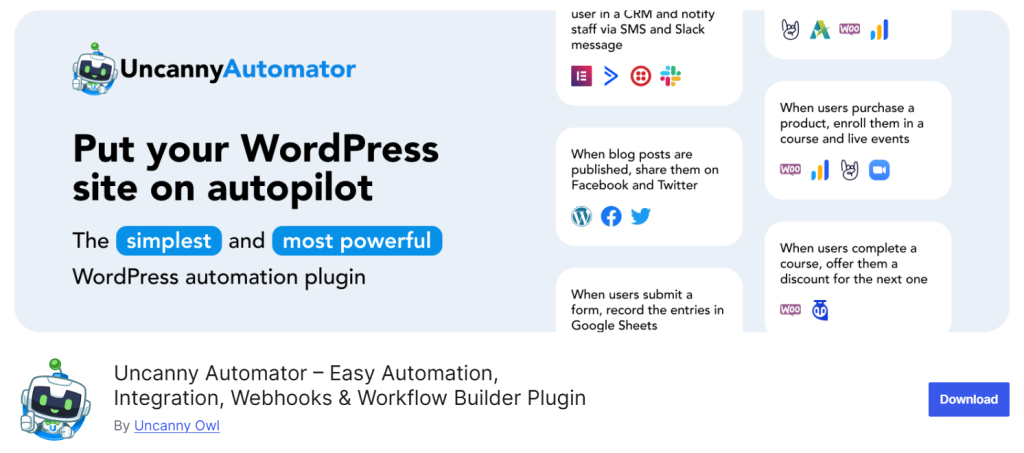
Uncanny Automator is like Zapier built directly into WordPress. It connects your plugins, themes, and even external apps to create smart automations without writing code. With AI-driven logic, it can handle everything from user workflows to marketing tasks, saving serious time for site owners.
Top Features
- Connects 150+ WordPress plugins and external apps
- AI-powered workflow triggers and actions
- Automates tasks like sending emails, updating user roles, or posting content
- Supports WooCommerce, LMS plugins, and membership sites
- No coding required, fully visual builder
- Scales from simple workflows to complex multi-step automations
- Integrates with Zapier, Google Sheets, Slack, and more
Pros
- Eliminates repetitive manual work
- Works with both WordPress plugins and third-party tools
- Beginner-friendly drag-and-drop interface
- Great for site owners running stores, courses, or communities
Cons
- Can feel overwhelming with too many options for new users
- Advanced automations may require a Pro plan
- Setup time depends on how complex the workflow is
Pricing
- Free version available with core features
- Pro Plan: $149/year (for one site)
- Agency licenses available for multiple sites
Review Ratings
- G2: 4.8/5
- Capterra: 4.7/5
- WordPress.org: 4.9/5 (based on 400+ reviews)
For medical or telehealth websites, combining automation with WordPress plugins for online doctors appointment can streamline bookings and reduce admin work.
10. WebsiteVoice
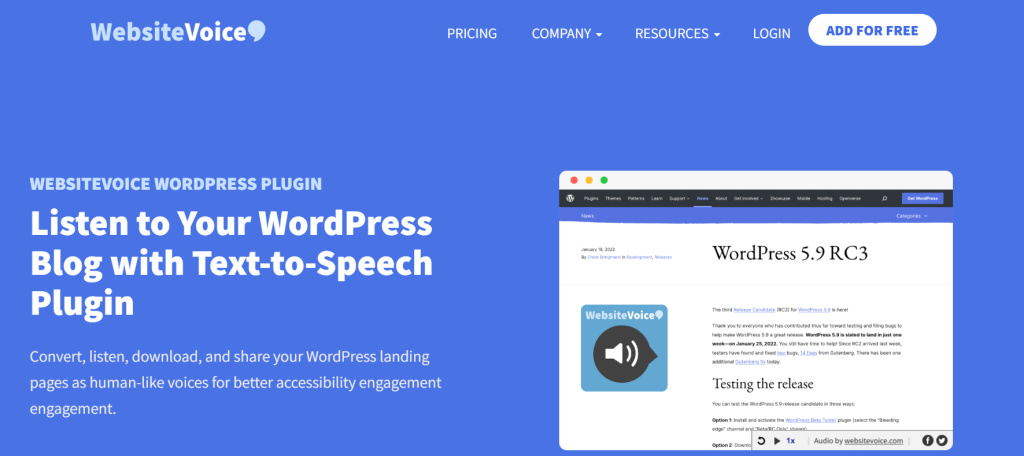
WebsiteVoice is an AI-powered text-to-speech plugin for WordPress. It transforms written content into natural-sounding audio, helping websites reach a wider audience, including those who prefer listening over reading. It’s especially useful for blogs, news sites, and educational platforms that want to boost accessibility and engagement.
Top Features
- Converts articles, blog posts, and pages into audio
- Multiple natural-sounding AI voices in different languages
- Adjustable playback speed and voice styles
- Embeddable audio player for posts and pages
- Supports accessibility compliance standards
- Cloud-based audio processing for high quality
- Works seamlessly on mobile and desktop
Pros
- Makes content more accessible to a broader audience
- Easy to set up and integrate into existing sites
- Multi-language support helps global sites
- Lightweight plugin that doesn’t slow down your site
Cons
- Advanced voice options locked in higher plans
- Relies on internet connection for audio generation
- Free version comes with limited usage credits
Pricing
- Free version available with limited monthly audio minutes
- Premium plans start at $9/month
- Higher tiers scale with audio minutes and voices
Review Ratings
- G2: 4.6/5
- Capterra: 4.6/5
- WordPress.org: 4.7/5
AI WordPress plugins Reddit Opinion by Users

Rank Math SEO
Reddit opinions on Rank Math tend to split between love and frustration.
“With the tons of bells and whistles it has in it, it doesn’t surprise me… I also ended up switching to TSF and it doesn’t seem to impact the page load.”
— Redditor on r/Wordpress about Rank Math slowing their site Reddit
Several users echo that: Rank Math can feel bloated. Others warn that UI overload and sluggish admin panels became noticeable when they used many of its features.
On the other hand, there’s strong fan support too:
“I’ve been using RankMath for the past 3 years I’m quite happy with this plugin. The good thing is the free version of RankMath has all the necessary features.”
— r/Blogging Reddit
Some even say it cuts the clutter compared to Yoast. One Reddit thread puts it bluntly:
“Rank Math is more ‘realistic’. Yoast people sell you ‘their’ SEO…”
— r/SEO Reddit
So, Reddit views range widely—from performance concerns to admiration for its free feature set.
Uncanny Automator
Redditors recommend Uncanny Automator as a solid no-code AI WordPress tool:
“Instead of Zapier, take a look at Uncanny Automator. It’s like Zapier (much better than that), but installed on your WordPress website :)”
— r/Wordpress Reddit
That sums up its value proposition: automation without leaving WordPress. However, not all experiences are smooth sailing:
“Worst plugin in the history of WordPress plugins… installed on sites, everything broke… when uninstalling Uncanny, everything worked fine again.”
— Critical review flagged by WordPress support WordPress.org
So while it’s widely praised, there’s a risk that, if something breaks, the effects can feel dramatic.
Key Takeaway on AI WordPress Plugins Reddit
- Performance vs Features: Plugins like Rank Math offer robust tools but can come with speed trade-offs.
- Value vs Simplicity: Many users love Rank Math’s free depth, yet some miss the simplicity of leaner plugins.
- Trust Through Experience: Plugin complexity invites admiration from advanced users and frustration from those wanting simplicity.
Final Words
AI has become essential for running smarter WordPress sites in 2025. The best AI WordPress plugins aren’t one-size-fits-all. They solve different needs, from SEO optimization to content generation to automation with Uncanny Automator. AI WordPress tools like AI Engine and AI Power offer all-in-one solutions, while WebsiteVoice boosts accessibility with text-to-speech. The smart move is to stack a mix of WordPress AI tools that fit your site’s goals. Pick the right WordPress plugin, and your site will grow faster, rank higher, and stay ahead.