
Payments decide whether your WordPress site makes money or not. Nothing else matters if customers can’t pay, or worse, abandon checkout.
WordPress payment gateway plugins are the bridge between your site and real money. Cards, wallets, subscriptions, and local methods. Choose the wrong plugin, and you deal with failed payments, slow checkouts, and lost trust. Choose the right one, and payments run quietly in the background.
This guide is written for people who want clarity, not options overload. It focuses only on WordPress payment gateway plugins that actually handle payments, not generic add-ons. You’ll see what works for WooCommerce stores, simple payment forms, subscriptions, and global buyers.
If you want a WordPress payment plugin that fits your setup and helps users complete payments without friction, this guide will help you decide fast.
How We Picked These WordPress Payment Gateway Plugins
Not all WordPress payment gateway plugins solve the same problem. Some are built for full WooCommerce stores. Others work better for simple payment forms or recurring billing. So the selection process had to be strict.
Here’s the exact criteria used.
Security comes first
If a plugin can’t meet basic security standards, it’s out.
- PCI-DSS-compliant gateways only
- Tokenized payments. No card data is stored on WordPress
- Support for Stripe, PayPal, or equivalent trusted processors
This filters out risky or outdated options fast. Secure payment plugins for WordPress are not optional.
Supported payment methods
A good WordPress payment plugin must support more than cards.
- Credit and debit cards
- PayPal or Stripe
- Wallets like Apple Pay and Google Pay, where possible
- Buy Now Pay Later, only when native
More methods reduce checkout drop-offs. Especially on mobile.
Multi-currency support
If a plugin can’t handle multiple currencies cleanly, it limits growth.
- Native multi-currency support
- Automatic currency detection or mapping
- No forced third-party hacks
This matters for global stores and SaaS products.
Recurring billing and subscriptions
Many sites need repeat payments.
- Native subscription handling
- Stripe or PayPal subscription APIs
- Clear renewal and failure handling
Without this, the plugin is not future-proof.
Local and regional payment support
Global traffic needs local options.
- Region-specific gateways where relevant
- Strong Stripe or PayPal extensions for local methods
This is where many “top lists” fall short.
Ease of use
Setup matters.
- Clean onboarding
- Clear settings
- Minimal conflicts with themes or builders
Complex plugins slow teams down and increase errors.
Performance impact
Payment plugins should not slow down checkout.
- Lightweight scripts
- No bloated frontend assets
- Stable updates
Checkout speed directly affects conversions.
Scoring Method
Each payment gateway addon was scored across three areas. Simple and clear.
| Criteria | What We Checked |
|---|---|
| Features | Payment methods, subscriptions, wallets, refunds |
| Pricing | Free tier, transaction fees, upgrade pressure |
| Ecosystem | WooCommerce support, updates, documentation |
This approach filters hype and surfaces tools that actually work. Especially if you’re choosing a reliable online payment plugin for WordPress.
Top 10 WordPress Payment Gateway Plugins 2026
Below are the top WordPress payment gateway plugins, reviewed with one goal. Each plugin is placed under a clear use case to match real search intent and real needs.
WooCommerce Payments – Best for WooCommerce Stores
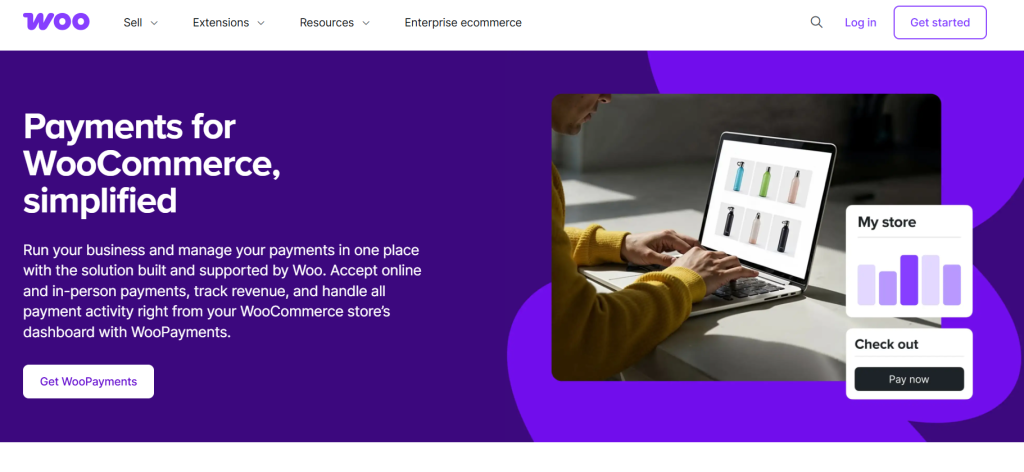
WooCommerce Payments is built by the WooCommerce team. It works only with WooCommerce and integrates directly into your dashboard. No third-party dashboards. No extra glue plugins.
If you run a store and want tight control, this is often the safest choice.
Key Features
- Card payments directly inside WooCommerce
- In-dashboard refunds and chargebacks
- Support for local payment methods in many regions
- Automatic deposits and transaction tracking
Pros
- Native WooCommerce experience
- No complex setup
- Centralized payment management
Cons
- WooCommerce only
- Limited customization compared to Stripe-only solutions
- Availability depends on country
Pricing
- Free plugin
- Transaction fees apply per payment
Best For
- Store owners who want the best WooCommerce payment gateway with minimal setup
- Teams that prefer fewer moving parts
Payment Plugins for Stripe WooCommerce – Best Stripe WooCommerce Solution

This plugin focuses entirely on Stripe. It goes deeper than generic gateways and exposes Stripe features most plugins hide. If Stripe is your main processor, this plugin gives you more control.
Key Features
- Stripe cards, Apple Pay, Google Pay
- Buy Now Pay Later options
- Local Stripe payment methods
- Smart buttons on product and checkout pages
Pros
- Strong Stripe feature coverage
- Better checkout conversion options
- Works well with subscriptions
Cons
- Stripe only
- Slightly more settings to manage
Pricing
- Free core version
- Paid plans for advanced features
Best For
- WooCommerce stores using Stripe as primary processor
- Merchants optimizing checkout conversions
WooCommerce PayPal Gateway – Best PayPal Payment Gateway
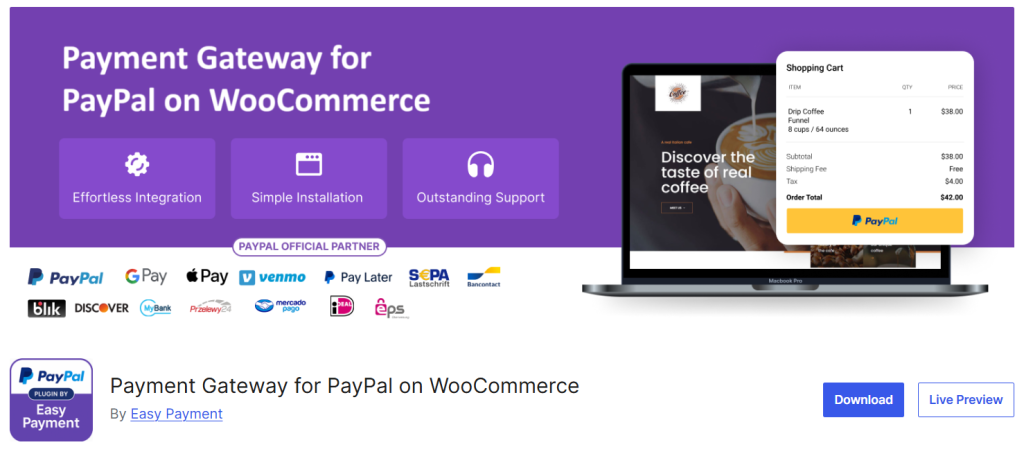
This is the official PayPal solution for WooCommerce. It focuses on reliability and PayPal-native features rather than flexibility.
Key Features
- PayPal Checkout and Smart Buttons
- Subscription and recurring payment support
- Strong buyer trust signals
Pros
- Official PayPal support
- Stable and well-maintained
- Familiar checkout for users
Cons
- Limited customization
- Mostly PayPal-centric
Pricing
- Free plugin
- PayPal transaction fees apply
Best For
- Stores with PayPal-heavy customers
- Businesses prioritizing trust and brand familiarity
Payment Plugins for PayPal WooCommerce – Lightweight PayPal alternative

This plugin strips PayPal integration down to the basics. Fewer features and faster setup with less overhead.
Key Features
- Simple PayPal checkout
- Clean settings panel
- Fast onboarding
Pros
- Easy to configure
- Lightweight
- Good for small stores
Cons
- Fewer advanced features
- Not ideal for complex setups
Pricing
- Free with optional paid upgrades
Best For
- Small WooCommerce stores
- Merchants who want PayPal without complexity
Knit Pay – Best Multi-Gateway Support
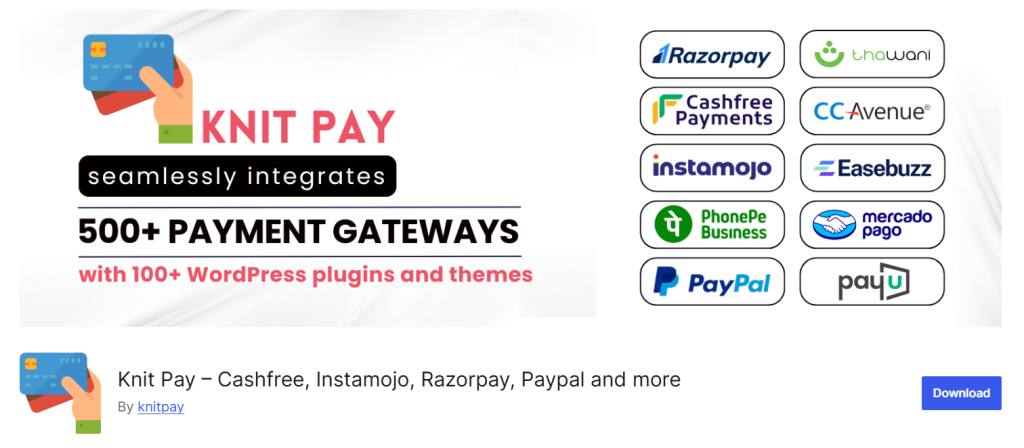
Knit Pay connects WordPress to many regional and global gateways. It acts as a bridge when Stripe or PayPal are not enough.
Key Features
- Supports Razorpay, Paystack, Flutterwave, Cashfree, and more
- Works with WooCommerce and forms
- Useful for emerging markets
Pros
- Broad gateway coverage
- Good for international businesses
- Reduces dependency on one processor
Cons
- Interface is less polished
- Documentation varies by gateway
Pricing
- Free core
- Add-on pricing for specific gateways
Best For
- Businesses serving multiple regions
- Sites needing WordPress multiple gateways plugin support
WP Simple Pay – Best standalone Stripe payment forms

WP Simple Pay is not a WooCommerce payment gateway plugin. It’s built for direct payments through forms. No carts. No product pages.
Key Features
- Stripe payment forms
- One-time and recurring payments
- Embedded checkout
Pros
- No WooCommerce required
- Fast setup
- Clean user experience
Cons
- Not suitable for full e-commerce
- Stripe only
Pricing
- Free version available
- Paid plans unlock subscriptions and advanced forms
Best For
- Service businesses
- SaaS landing pages
- Anyone needing Stripe payment forms for WordPress
WPForms Payments – Best form-based payment collection
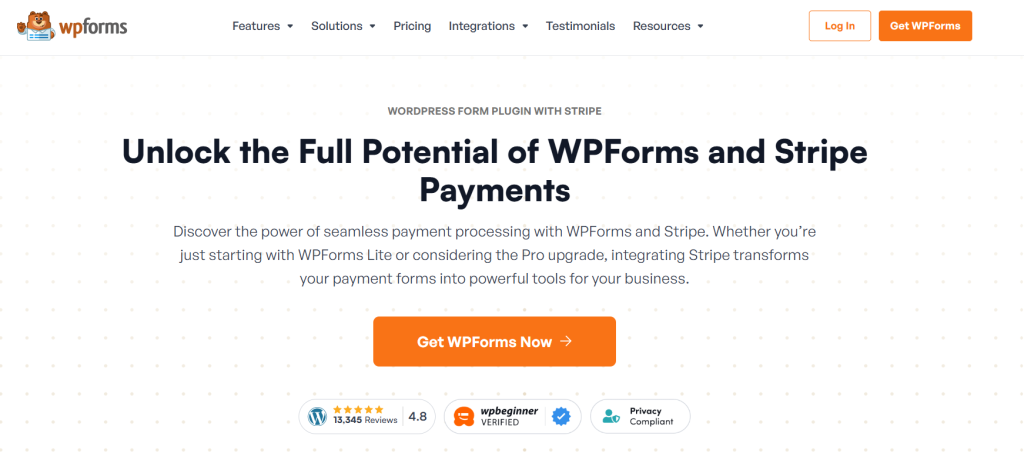
WPForms Payments combines form building with payments. It’s not a checkout system. It’s a clean way to collect payments through contact forms, order forms, or simple landing pages.
If you sell services, take deposits, or run small offers, this fits well.
Key Features
- Stripe and PayPal payments inside forms
- One-time and recurring payments
- Conditional logic for payment fields
- Simple embed anywhere on WordPress
Pros
- Easy to set up
- No WooCommerce required
- Works well for lead-to-payment flows
Cons
- Not built for full product catalogs
- Limited checkout customization
Pricing
- Free version with basic payments
- Paid plans unlock advanced payment options
Best For
- Service businesses
- Consultants and freelancers
- Anyone needing a payment form WordPress plugin
Paymattic – Flexible payment form builder
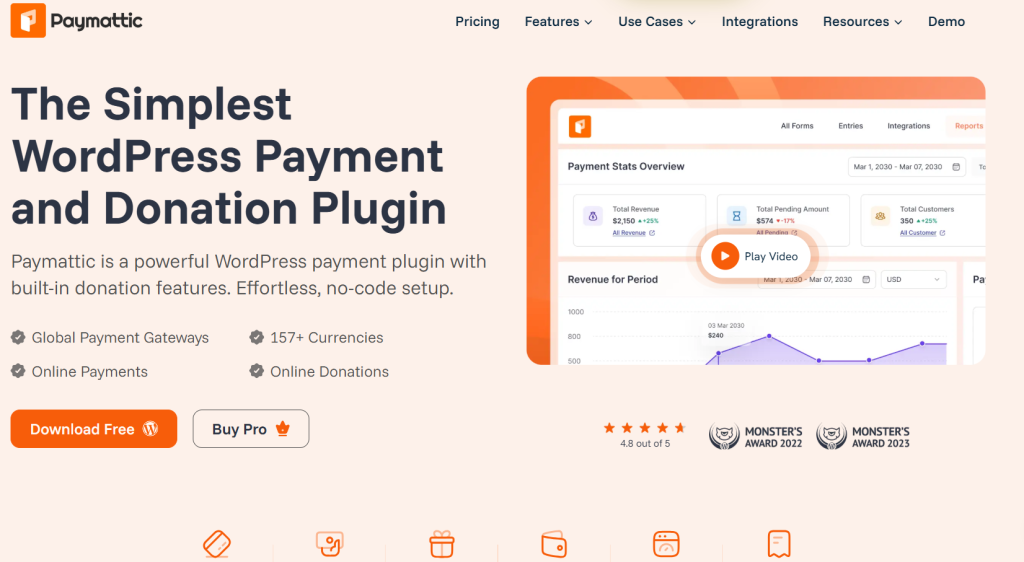
Paymattic focuses only on payment forms. No extras. No clutter. It’s built for creators and small businesses that want more control than basic form plugins offer.
Key Features
- Stripe and PayPal integrations
- One-time and recurring payments
- Clean payment form layouts
- Webhook and automation support
Pros
- Lightweight and fast
- Flexible form design
- Good balance between simplicity and control
Cons
- Smaller ecosystem
- Not ideal for large stores
Pricing
- Free version available
- Paid plans for subscriptions and automation
Best For
- Digital products
- Membership signups
- Users comparing Paymattic payment plugin options to WPForms or Simple Pay
Mollie Payments for WooCommerce

Mollie is built for European businesses. It supports local payment methods that Stripe or PayPal often miss. If your customers are in the EU, this plugin matters.
Key Features
- Credit cards and European local methods
- Seamless WooCommerce checkout integration
- Automatic refunds and order syncing
Pros
- Strong EU payment coverage
- Clean checkout experience
- Reliable infrastructure
Cons
- Limited outside supported regions
- Requires Mollie account approval
Pricing
- Free plugin
- Transaction fees per payment
Best For
- European WooCommerce stores
- Businesses targeting local EU payment methods
Square for WooCommerce

Square for WooCommerce connects online payments with physical stores. Inventory and payments sync across online checkout and in-person POS.
Key Features
- Online card payments
- POS and inventory sync
- Real-time order updates
Pros
- Unified online and offline payments
- Strong retail support
- Good reporting
Cons
- Limited availability by country
- Less flexible checkout customization
Pricing
- Free plugin
- Square transaction fees apply
Best For
- Retail businesses
- Stores selling both online and offline
- Merchants needing Square WooCommerce payments
Final Word on Best WordPress Payment Gateway Plugins
Choosing one among the right WordPress payment gateways is a decision, not a feature checklist. Here are clear picks based on real needs.
| Use Case | Best Choice |
|---|---|
| Overall best | WooCommerce Payments |
| Best Stripe solution | Stripe Woo plugin |
| Best for forms | WP Simple Pay or WPForms |
| Best multi-gateway support | Knit Pay |
If you run a store, start with WooCommerce Payments. If you sell services, skip the cart and use forms. If you sell globally, multi-gateway support matters more than brand names.
To decide faster, use plugin comparison sheets or download setup guides. They save time and prevent bad installs.
FAQs
These are the questions people actually ask before choosing WordPress payment gateway plugins.