

Most people install the Gravity Forms WordPress plugin and stop there: basic contact forms, maybe a survey or two. But the real power comes when you extend it with the right Gravity Forms product addons.
These tools turn a simple form into a booking system, an order builder, a live data tracker, or even a custom file uploader. Without them, you’re leaving functionality and conversions on the table.
In this guide, we’ll break down the best Gravity Form addons that push the plugin far beyond its defaults, from the essential Gravity Forms user registration addon to advanced upload managers and booking plugins.
This isn’t just a list; it’s the roadmap to transforming your forms into revenue-generating workflows.
Why Use Gravity Forms Product Addons?
The Gravity Forms WordPress plugin gives you a strong base, but on its own it’s limited. You can collect names, emails, and simple choices. That’s fine for a basic contact form. But when you need more like selling products, handling bookings, or managing file uploads, you need Gravity Forms product addons.
These addons extend what’s possible. A Gravity Forms addon can turn a single form into a checkout page, a file submission tool, or even a booking calendar.
Many site owners also rely on the Gravity Forms user registration addon to create accounts and control access.
In short, Gravity Form addons save time, reduce manual work, and give your forms a role in real business workflows.
10 Best Gravity Forms Product Addons in 2025 and Beyond
1. Smart Uploads for Gravity Forms by GravityMore

The default file upload field in the Gravity Forms WordPress Plugin is limited. The Smart Uploads addon fixes that by adding drag-and-drop uploads, multiple files, and inline image editing. Businesses that need design proofs, ID photos, or artwork benefit most because customers can crop, rotate, or resize before submitting.
It’s one of the most practical Gravity Forms Product Addons for improving file handling.
Key Features
- Drag-and-drop uploads with progress bar
- Multiple file support in one field
- Live previews for images
- Inline editing: crop, rotate, resize before submission
- Works seamlessly with other Gravity Form addons
Pros
- Reduces file errors and back-and-forth with clients
- Improves user experience for creative and service businesses
- Saves time for admins by ensuring correct file format on first submission
Cons
- Limited to media-related use cases
- Large files may require server-side adjustments
Recent Facts (2025)
- Current version: v3.1, updated February 2025
- Added support for WebP images and improved mobile UI
Pricing (2025)
Available for $30 per site license.
2. Google Spreadsheet Addon for Gravity Forms by GravityMore
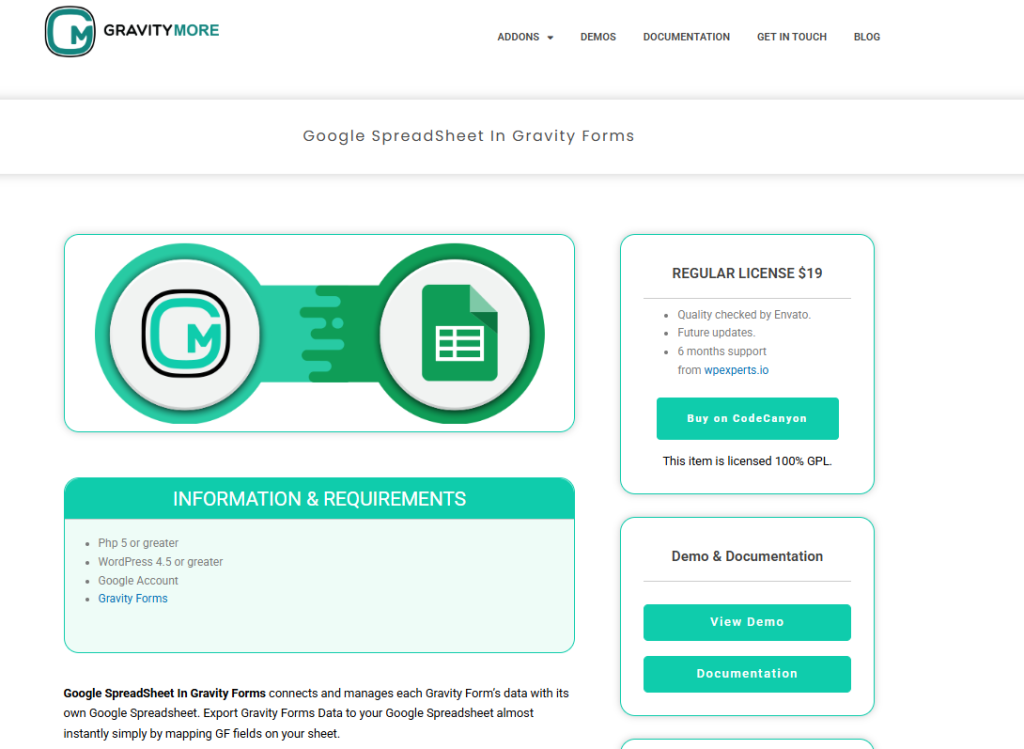
The Google Spreadsheet addon for Gravity Forms automatically sends form submissions into Google Sheets. It eliminates the need for manual exports and keeps your data synced in real time. For teams tracking leads, registrations, or survey results, this is one of the most useful Gravity Forms product addons.
Key Features
- Connect any Gravity Form directly to a Google Sheet
- Auto-sync new submissions in real time
- Supports mapping of form fields to specific sheet columns
- Works with multiple forms and multiple spreadsheets
- Integrates with other Gravity Form addons like payments and user registration
Pros
- Live data tracking without manual exports
- Perfect for collaboration across teams
- Reduces errors in reporting and analytics
Cons
- Requires stable Google API connection
- Limited to Google Sheets (no Excel or Airtable support)
Recent Facts (2025)
- Current version: v2.6, updated March 2025
- Improved API stability and faster sync speeds
Pricing (2025)
Available for $19 per site license.
3. Bookings for Gravity Forms by GravityMore
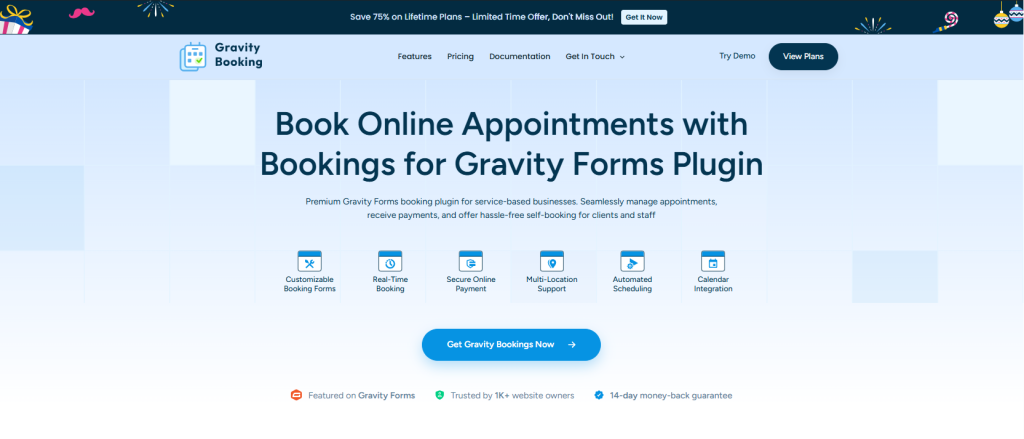
The Gravity Forms Booking addon transforms a form into a simple booking and scheduling system. Instead of relying on external booking plugins, you can manage appointments directly through this premium Gravity Forms WordPress plugin.
Combined with payment addons, it’s useful for consultants, salons, or service providers.
Key Features
- Add date and time slot selection to forms
- Manage availability with custom rules and blackout dates
- Auto-confirm bookings with email notifications
- Direct calendar sync
- Option to collect payments at the time of booking
- Compatible with other Gravity Form addons like Stripe and PayPal
Pros
- Keeps bookings inside WordPress, no external tools required
- Flexible slot management for multiple industries
- Easy for users and admins to manage appointments
Cons
- Limited features compared to dedicated booking platforms
- Lacks direct calendar sync with Google or Outlook
Recent Facts (2025)
- Current version: v1.9, updated January 2025
- Added improved availability rules and multiple service support
Pricing (2025)
Available for $79 per site license.
4. Gravity Forms User Registration Add-On

The Gravity Forms user registration addon is built for sites that need automated sign-ups. Membership platforms, eLearning portals, and online communities use it to create accounts the moment a form is submitted.
Instead of manual user creation, admins get an instant workflow that maps form fields to WordPress accounts.
Key Features
- Register new users automatically from any Gravity Form submission
- Map form fields to WordPress user fields like username, email, and role
- Supports BuddyPress integration for profile creation
- Works with Multisite for automated site creation during registration
- Integrates with payment addons for paid registrations or subscriptions
- Full compatibility with the Gravity Forms WordPress Plugin core updates (latest v2.9.4)
Pros
- Automates onboarding for members, students, or customers
- Flexible field mapping for custom workflows
- Integrates smoothly with BuddyPress and Multisite
- Supports payment-based registrations
Cons
- Locked behind the Elite License; not available separately
- Requires configuration for advanced scenarios (BuddyPress, Multisite)
Recent Facts (2025)
Latest version: v5.4, released March 19, 2025
Fixes: BuddyPress custom key handling, async feed processing, password reset emails, and user meta saving
Confirmed compatibility with Gravity Forms 2.9.4
Pricing (2025)
Included in the Elite License, priced at $259/year. Covers unlimited sites, priority support, and access to all official Gravity Form addons.
5. Gravity Forms Stripe Add-On
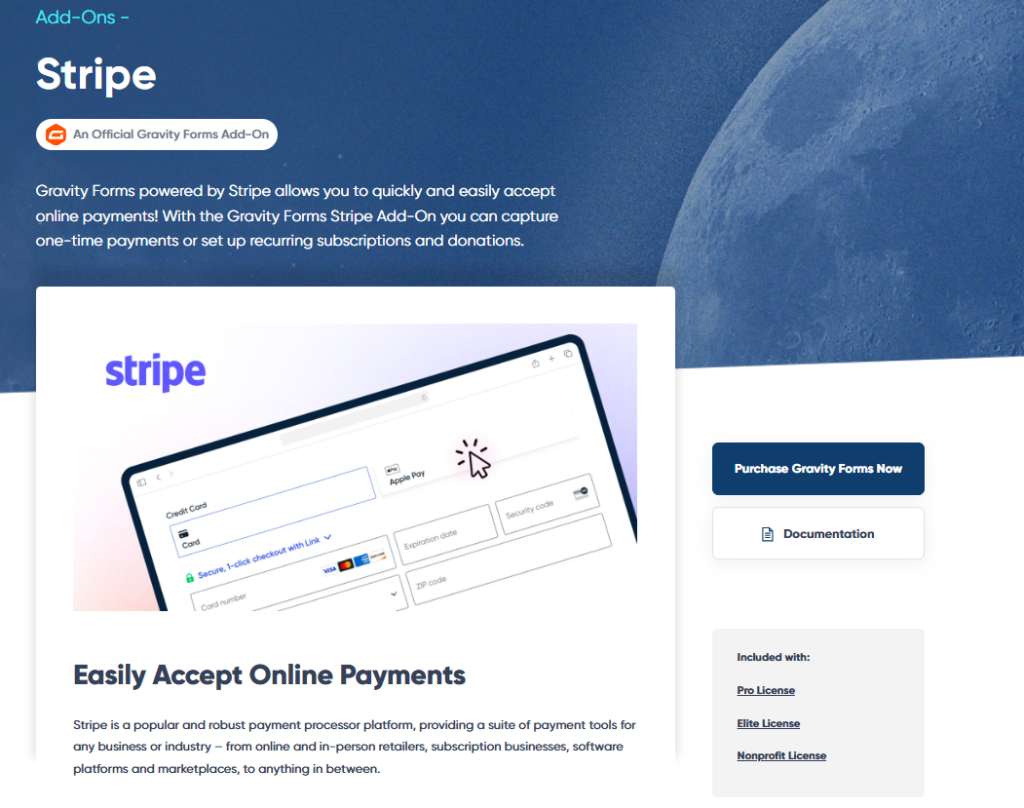
The Gravity Forms Stripe addon is the go-to solution for collecting payments without leaving your site. It connects the Gravity Forms WordPress plugin directly to Stripe, allowing you to accept credit cards, Apple Pay, Google Pay, and recurring subscriptions.
For businesses already using Gravity Form addons like user registration or bookings, this extension makes payments seamless.
Key Features
- Accept one-time and recurring payments through Stripe
- Support for Apple Pay and Google Pay checkout
- Set up conditional logic to trigger payments only when needed
- Full PCI compliance handled by Stripe, not your server
- Compatible with Stripe Checkout and Payment Intents API
Pros
- Easy way to turn forms into order or donation pages
- Secure transactions without extra setup
- Works with other Gravity Forms product addons like coupons or registration
Cons
- Requires a Stripe account in good standing
- Transaction fees apply (standard Stripe rates)
Recent Facts (2025)
- Latest release: v5.0, updated February 2025
- Improved support for Strong Customer Authentication (SCA) and EU regulations
- Added webhook handling improvements for subscription cancellations and refunds
Pricing (2025)
Included in the Gravity Forms Elite License at $259/year, which also covers all payment addons.
6. Gravity Forms PayPal Checkout Add-On
The Gravity Forms PayPal Checkout addon lets you accept payments, donations, or subscriptions using PayPal directly from your forms. It’s a staple for site owners who want to connect the Gravity Forms WordPress plugin with PayPal without relying on third-party tools.
For anyone already using other Gravity Form addons, this extension keeps payment workflows inside one system.
Key Features
- Accept PayPal payments via debit/credit cards, PayPal Wallet, and Pay Later options
- One-time and recurring billing supported
- Conditional logic to trigger PayPal checkout only when needed
- Seamless integration with Gravity Forms confirmations and notifications
- Supports refund and cancellation management through the PayPal dashboard
Pros
- Globally recognized and trusted payment gateway
- Simple to set up for small businesses and nonprofits
- Works with subscription models as well as one-time payments
Cons
- PayPal fees can be higher than Stripe for some regions
- Checkout flow can redirect users off-site (unless PayPal smart buttons are enabled)
Recent Facts (2025)
- Current version: v3.9, updated January 2025
- Improvements include enhanced support for PayPal Smart Buttons and EU payment compliance
Pricing (2025)
Available with the Gravity Forms Elite License at $259/year, which includes all official payment addons.
7. Gravity Forms Zapier Add-On
The Gravity Forms Zapier addon connects the Gravity Forms WordPress Plugin with over 5,000 web apps. Instead of building custom integrations, you can automate workflows such as sending form entries to Google Sheets, Slack, HubSpot, or Mailchimp.
This addon is one of the most powerful Gravity Form addons because it removes the need for coding.
Key Features
- Send form submissions to thousands of apps through Zapier
- Trigger Zaps instantly when a form is submitted
- Map form fields to app fields with full flexibility
- Supports multi-step Zaps for complex workflows
- Works alongside other Gravity Forms product addons like Stripe or PayPal
Pros
- Saves time by automating repetitive tasks
- Extremely flexible—works with any Zapier-supported tool
- Reduces reliance on developers for integrations
Cons
- Requires a Zapier account (separate cost)
- Heavy automation may increase Zapier subscription costs
Recent Facts (2025)
- Current version: v4.5, released March 2025
- Improved performance for real-time triggers
- Fixes for authentication issues with Zapier’s new OAuth system
Pricing (2025)
Included in the Gravity Forms Elite License at $259/year. Zapier usage fees are separate, depending on the plan.
8. Gravity Forms HubSpot Add-On

The Gravity Forms HubSpot addon connects the Gravity Forms WordPress plugin directly with HubSpot CRM. Every form submission can be turned into a contact, lead, or deal in your sales pipeline.
For businesses running marketing campaigns, this Gravity Forms addon ensures no lead slips through the cracks.
Key Features
- Automatically create or update HubSpot contacts from form submissions
- Map form fields to HubSpot properties (email, phone, company, etc.)
- Add contacts to HubSpot lists for targeted campaigns
- Trigger HubSpot workflows directly from form activity
- Works alongside other Gravity Form addons like payments or user registration
Pros
- Smooth lead capture into HubSpot without manual data entry
- Reliable sync of customer data across WordPress and HubSpot
- Enhances sales and marketing automation for small to large teams
Cons
- Requires a HubSpot account (free or paid)
- Limited customization compared to direct HubSpot forms
Recent Facts (2025)
- Current version: v2.8, updated February 2025
- Improved syncing for custom HubSpot fields
- Enhanced error handling when API rate limits are hit
Pricing (2025)
Available in the Gravity Forms Elite License at $259/year. HubSpot CRM account (free or paid) is required.
9. GravityView
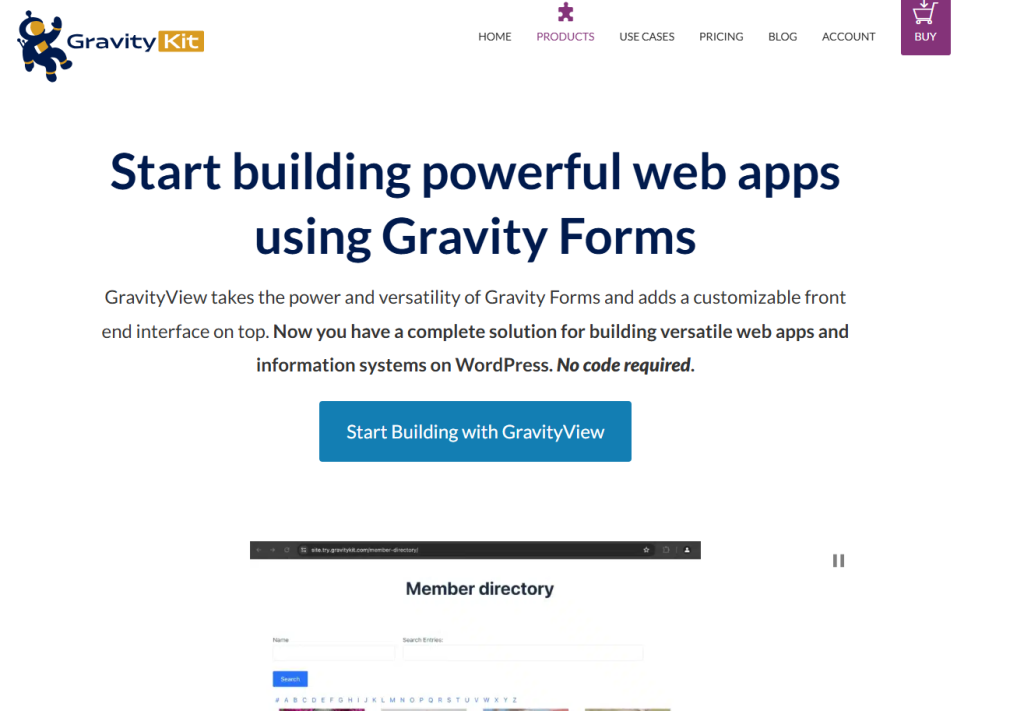
The GravityView addon is the leading Gravity Forms frontend display addon. Instead of keeping entries hidden in the admin dashboard, it lets you publish them on your site.
It simply lets you create directories, reviews, job boards, or member portals straight from Gravity Forms data.
Key Features
- Display form entries on the frontend with full control
- Pre-built layouts: tables, lists, maps, and more
- Edit entries directly from the frontend (with permissions)
- Advanced filtering and search for directories and portals
- Works seamlessly with other Gravity Forms product addons
Pros
- Turns form data into usable public content
- Highly flexible with ready-to-use layouts
- Reduces admin workload by letting users manage entries
Cons
- Separate purchase, not included in Gravity Forms license
- Requires setup time for complex portals
Recent Facts (2025)
- Current version: v2.22, released February 2025
- Updates include improved compatibility with Gravity Forms 2.9.x and better frontend editing UI
- Added new search filtering options for large directories
Pricing (2025)
Starts at $86/year for a single site license. GravityView Pricing
10. JetSloth Addons Suite
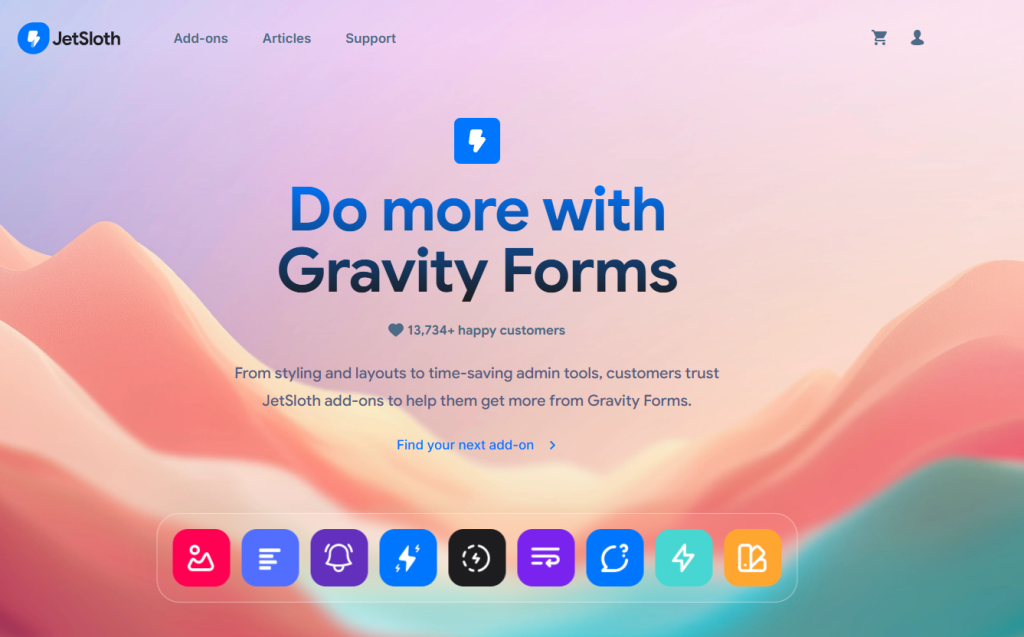
The JetSloth Add-Ons Suite enhances the user experience of long or complex forms. Branded as Gravity Forms UI addons, this suite includes tools like Image Choices, Collapsible Sections, Color Picker, and Tabbed Forms.
It’s designed to make forms more interactive and easier to complete.
Key Features
- Add images as choices for radio buttons and checkboxes
- Break long forms into tabs or collapsible sections
- Add color pickers for design-related inputs
- Improve visual flow for surveys and multi-step forms
- Integrates with the Gravity Forms WordPress Plugin seamlessly
Pros
- Makes long forms less intimidating
- Adds visual engagement with images and colors
- Great for eCommerce, design, and survey use cases
Cons
- Requires multiple JetSloth plugins for full functionality
- Separate cost outside Gravity Forms license
Recent Facts (2025)
- JetSloth continues to maintain multiple addons under one bundle
- Popular plugins in the suite: Image Choices, Color Picker, Collapsible Sections
Pricing (2025)
Full bundle available at $129/year for all JetSloth addons.
Quick Comparison of Gravity Forms Product Addons
| Addon Name | Key Features | Best For | Pricing (Starting) |
|---|---|---|---|
| Smart Uploads (GravityMore) | Drag-and-drop uploads, multiple files, image previews, inline editing | Creative businesses, ID verification, design proofs | $30/site |
| Google Spreadsheet Addon (GravityMore) | Real-time sync with Google Sheets, field mapping, multiple forms support | Teams tracking leads, registrations, survey results | $19/site |
| Bookings for Gravity Forms (GravityMore) | Date/time slots, availability rules, booking confirmations, payment support | Consultants, salons, service providers | $79/site |
| User Registration Add-On | Register users from form submissions, BuddyPress/Multisite integration, payment-based signups | Membership sites, eLearning, communities | $259/year (Elite License) |
| Stripe Add-On | One-time & recurring payments, Apple Pay/Google Pay, PCI compliance | eCommerce, donations, subscriptions | $259/year (Elite License) |
| PayPal Checkout Add-On | PayPal Wallet, Pay Later, recurring billing, smart buttons | Global payments, nonprofits, subscriptions | $259/year (Elite License) |
| Zapier Add-On | Connects to 5,000+ apps, real-time triggers, field mapping | Workflow automation, CRM & marketing sync | $259/year (Elite License) |
| HubSpot Add-On | Create/update HubSpot contacts, list segmentation, trigger workflows | Marketing teams, sales pipelines, CRM integration | $259/year (Elite License) |
| GravityView | Display entries on frontend, multiple layouts, editing permissions | Directories, reviews, job boards, portals | $86/year |
| JetSloth Add-Ons Suite | Image choices, tabs, collapsible sections, color picker | Long forms, surveys, eCommerce customization | $129/year |
Ending Note
Choosing the right Gravity Forms Product Addons depends on your workflow. For site owners who want affordable, practical solutions, GravityMore stands out. Their addons like Smart Uploads, Google Spreadsheet, and Bookings for Gravity Forms solve real problems without the complexity or high pricing of bigger bundles.
If you want to extend your forms with simple, effective tools, explore GravityMore’s addons and see how they can streamline your workflows.